 For Ajman University
students · free
Three moves from course list to registered.
Pick your courses. Choose your week. Press register once — Banner fills itself in.
A timetable builder that also presses the button.
RegWiz works out every timetable that genuinely fits from your course list — nothing clashing, ever — then applies the one you choose on Banner's own registration page. In your browser, in English and بالعربي.
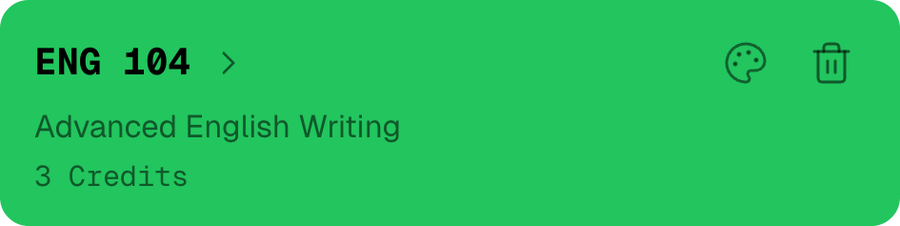
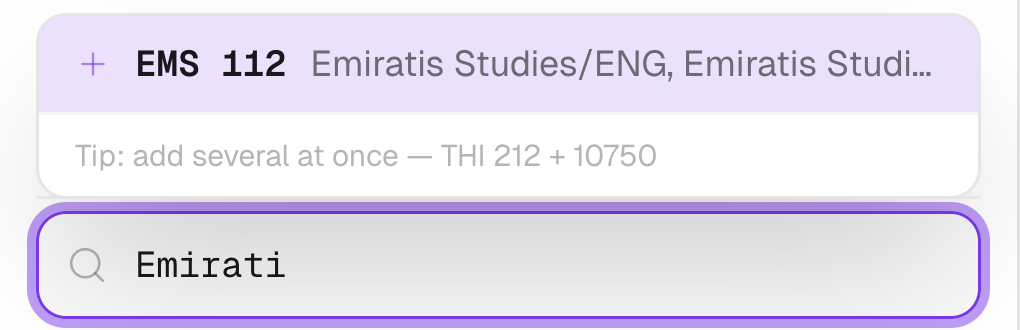
Pick your courses
Search by name or code and add your courses one at a time — live seat counts included.

Choose your week
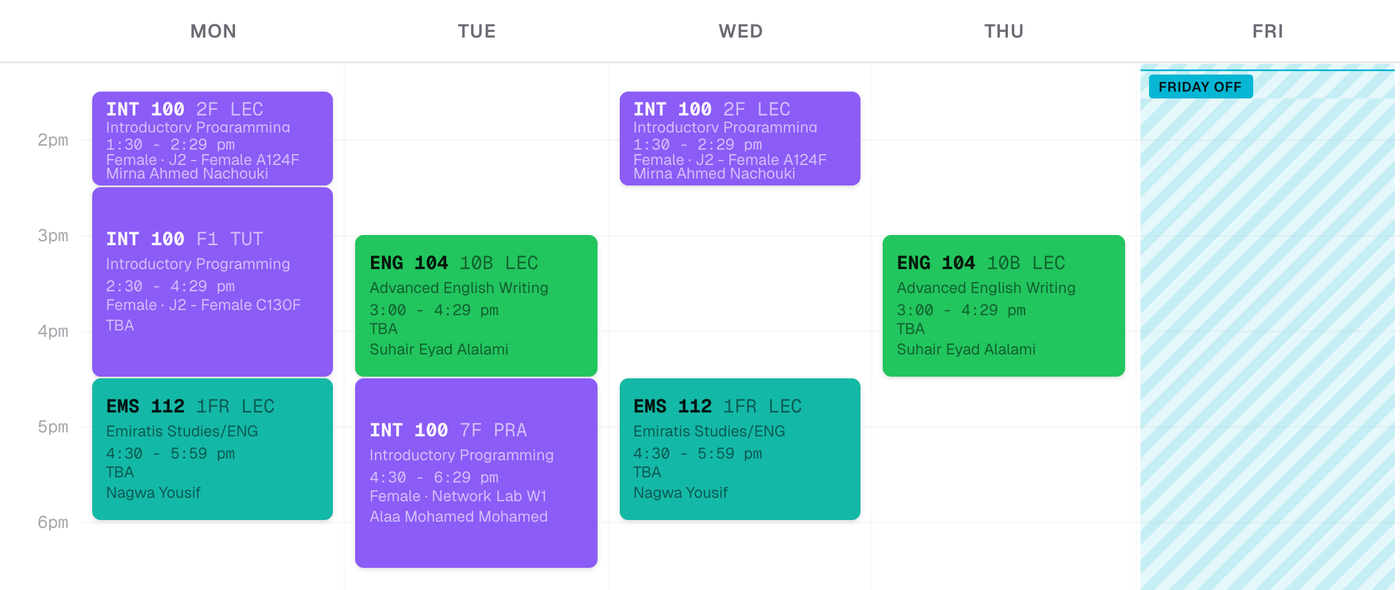
Every schedule that works, ranked. Block a day off or a late start; pin what you must keep and RegWiz rebuilds the rest around it.
Register in one click
RegWiz Sync opens Banner's own registration page and applies your whole schedule in one pass. You're still the one registering.
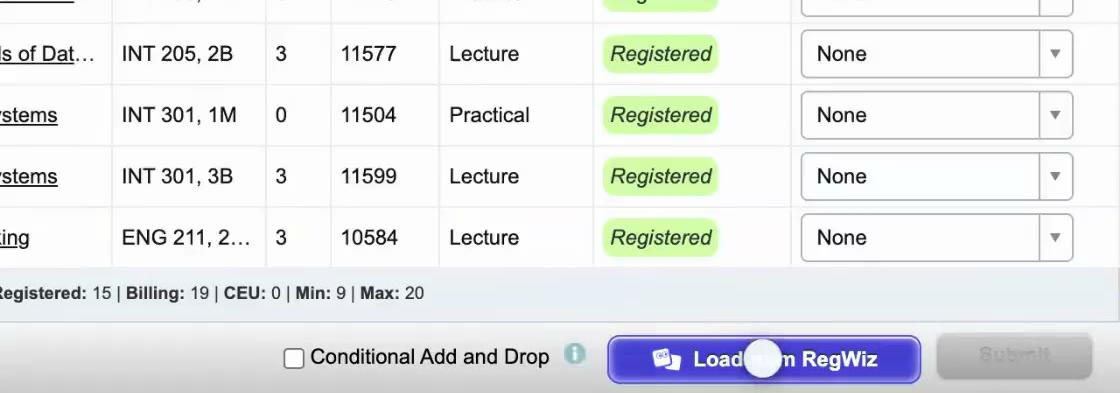
The whole semester, in one press.
then close the laptopFour more things it does for you
وبالعربي كمان — flip the language from the top bar.
Before your slot opens, tick these:
The night before: add your courses and shortlist a few schedules.
Pin the sections you can't lose — every schedule keeps them.
Full section? Turn on a seat alert and stop refreshing.
Be signed in to Banner before the clock hits.
When it opens: open your schedule, press Banner Sync, done.
regwiz.app
Scan. That's it.
It opens in your browser — nothing to install.

Ghaith AlHallak
Software engineer, AU student & AIDA board member. I built RegWiz so no one else loses a morning to Banner.
g.alhallak@ajman.ac.ae
hello@ghaithk.dev
+971 54 405 5987